
Spiderjjr45 (talk | contribs) No edit summary |
Spiderjjr45 (talk | contribs) No edit summary |
||
| (One intermediate revision by the same user not shown) | |||
| Line 4: | Line 4: | ||
<tab name="Broadcasts">{{:Template:BroadcastCampaignsTab}}</tab> |
<tab name="Broadcasts">{{:Template:BroadcastCampaignsTab}}</tab> |
||
<tab name="Personal">{{:Template:PersonalCampaignsTab}}</tab> |
<tab name="Personal">{{:Template:PersonalCampaignsTab}}</tab> |
||
<tab name=" |
<tab name="Edit">{{:Template:OtherCampaignsTab}}</tab> |
||
</tabs> |
</tabs> |
||
| Line 21: | Line 21: | ||
# Add a new line to that tab's page, following the structure of the lines before it. |
# Add a new line to that tab's page, following the structure of the lines before it. |
||
# Note that only substantial campaigns with a presence on the Wiki should be "Front page campaigns"; |
|||
# So if your campaign is barely started, or has very little on the wiki for it, leave it off. |
|||
# You did it! |
# You did it! |
||
Latest revision as of 05:13, 22 June 2026



















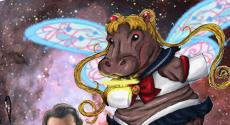

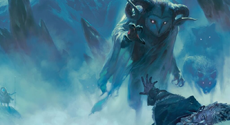

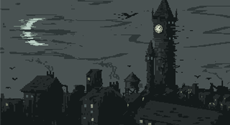
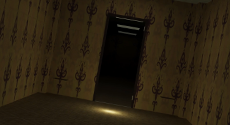

To add, remove, or edit a campaign to the front page:
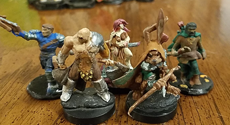
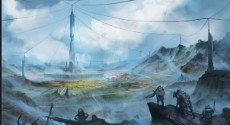
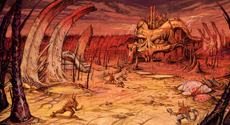
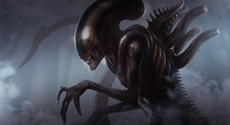
- Create a Tile which is exactly 230 pixels by 125 pixels. Upload the tile to the wiki.
- Go to the Template page of whichever tab you believe the campaign should be posted under.
- Add a new line to that tab's page, following the structure of the lines before it.
- Note that only substantial campaigns with a presence on the Wiki should be "Front page campaigns";
- So if your campaign is barely started, or has very little on the wiki for it, leave it off.
- You did it!